 Stonk
Launching a memecoin on Solana is a coordinated product, technical, communications, and compliance effort. Before creating anything, define the audience, purpose, supply, allocations, authorities, liquidity plan, metadata, website, support channels, and risk disclosures. Treat each item as a decision that readers should be able to review.
Decide the token design before you mint
Document the token's purpose, exact network, supply, decimals, distribution, and the authorities the project expects to retain. Choose between the original Token Program and Token-2022 based on an explained product requirement. Token-2022 extensions add optional behaviors and some combinations may be incompatible, so check them before mint initialization. A ticker is not a unique identifier: publish the mint address and the owning token program in the project's official documentation.
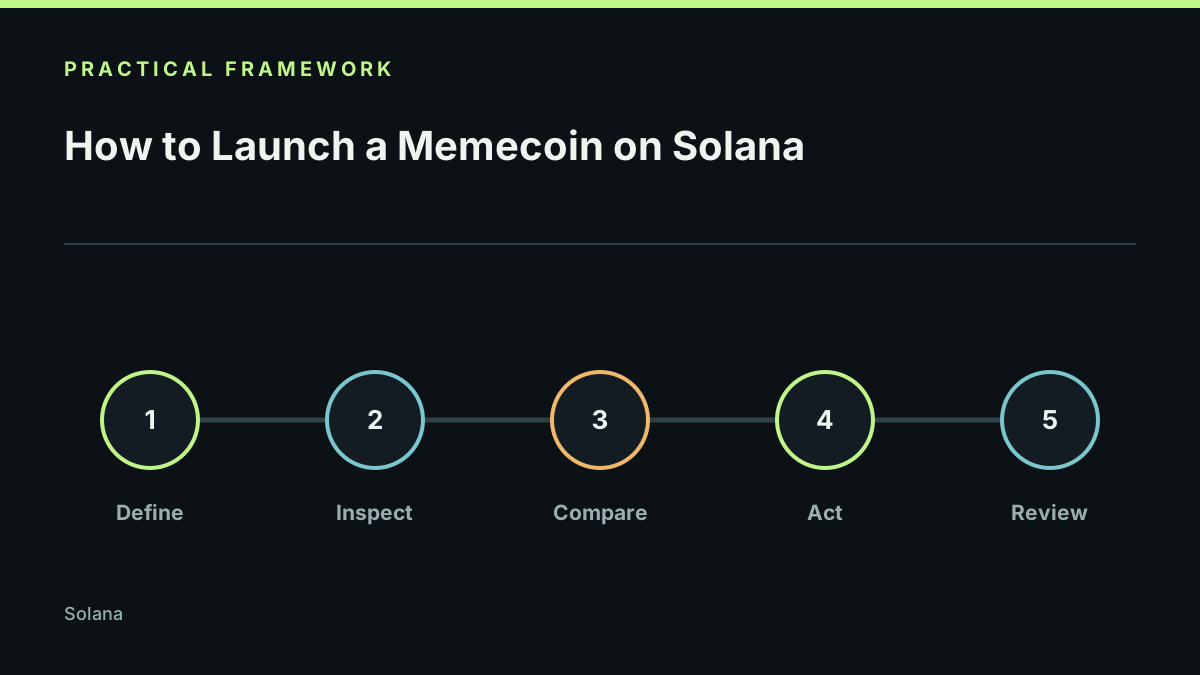
Work through a test-first sequence
| Stage | What to decide or verify | Evidence to keep |
|---|---|---|
| 1. Design | Write the supply, allocation, distribution, and vesting assumptions. Separate committed decisions from proposals. | Dated token specification with an owner for each decision. |
| 2. Configure | Choose the token program and any required extensions. Identify each mint, freeze, fee, pause, delegate, metadata, or hook authority that applies. | Exact mint settings, authority addresses, and links to the relevant primary documentation. |
| 3. Test | Follow the current Solana token creation guide and, for Token-2022, the official tokenization quickstart on an isolated test network. Check the same wallet and app paths the intended audience will use. | Test mint, transaction records, compatibility results, and known limitations. |
| 4. Review | Compare the initialized mint and authorities with the approved specification. Independently verify the public mint address and program ID. | A signed-off checklist and a second-person review record. |
| 5. Publish | Put the verified facts, allocation explanation, official links, risk notes, support channel, and change process on the site before the first audience action. | Live URL, owner, last-checked date, and change log. |
The sequence is a planning aid, not a launch authorization. Network transaction costs, account rent, provider fees, and any third-party launch services depend on current conditions and the exact operations. Obtain a current quote from the service or network interface that will handle the transaction; this guide does not promise a fixed launch cost.
Make authorities understandable
Mint and freeze authorities represent different permissions. The official Set Authority guide explains how one authority role can be changed or revoked. For Token-2022, also describe any extension-specific authorities and custom transfer behavior. Do not call an authority “renounced” unless the exact role was actually revoked and independently verified.
Prepare the launch surface
Create a website with the project purpose, supply table, allocations, authority settings, liquidity explanation, roadmap, links, team or responsible contact, and a change log. Separate live facts from future plans. Test every link and make the most important risk information visible before any call to action.
If launching through a bonding curve, follow our guide on how to launch a coin on pump.fun and structure your links with the launch day template.
Review before launch
Use the Solana memecoin guide, token launch guide, and memecoin launch checklist. Never use fake volume, misleading scarcity, undisclosed promotion, or guaranteed-return language. Legal and tax obligations vary by jurisdiction and require qualified advice.
This guide is educational. StonkBuilder does not custody keys, sign transactions, or submit launches.
Last reviewed 2026-10-22.