Jupiter Global card and QR payments combine an onchain account with a real-world merchant journey. Before paying, confirm merchant acceptance, currency, FX fee, account balance, network status, and the support or dispute path. A card logo or QR code alone is not proof that a transaction will settle.
Card acceptance is a separate check
The official page describes card acceptance at 150M+ merchants, but acceptance can still vary by merchant category, region, network rules, offline terminals, and account state. Keep a backup payment method and test a small purchase first.
QR is a payment rail
Confirm which QR standard, currency, recipient, amount, expiration, and confirmation screen are involved. Read the final amount before authorizing. A QR code can be replaced or copied; use a trusted merchant context and never send funds to an address supplied by an unsolicited message.
Know the conversion
Check whether the charge is USD, EUR, or another currency, when conversion occurs, and whether the non-USD FX fee applies. The fees and limits guide shows how to record the full cost rather than only the card headline.
When payment fails
Save the time, merchant, currency, amount, error, and transaction reference. Do not retry repeatedly if the status is unclear; duplicate authorizations can create confusion. Use official support and redact identity or account data before publishing a diagnostic.
A reader-safe checklist
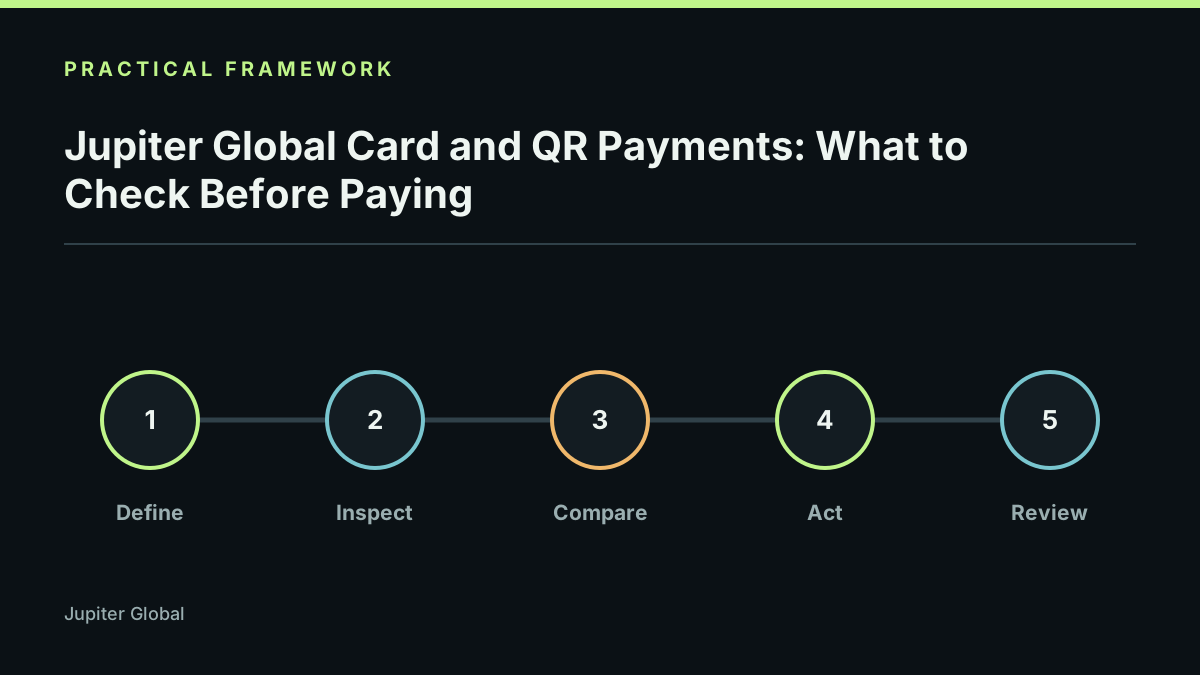
Verify the app and merchant, check amount and currency, confirm the account has enough value and fees, review the final authorization, save the receipt, and reconcile the settled record later. This workflow reduces surprises without promising a successful payment.
Limits and responsible use
Merchant coverage, QR support, card rules, FX charges, and dispute processes vary by region and may change. This is not a guarantee of acceptance. Last reviewed 2026-09-21.