Prepare the public destination first. A profile link works best when it opens to a page that explains who you are and gives visitors a clear first action.
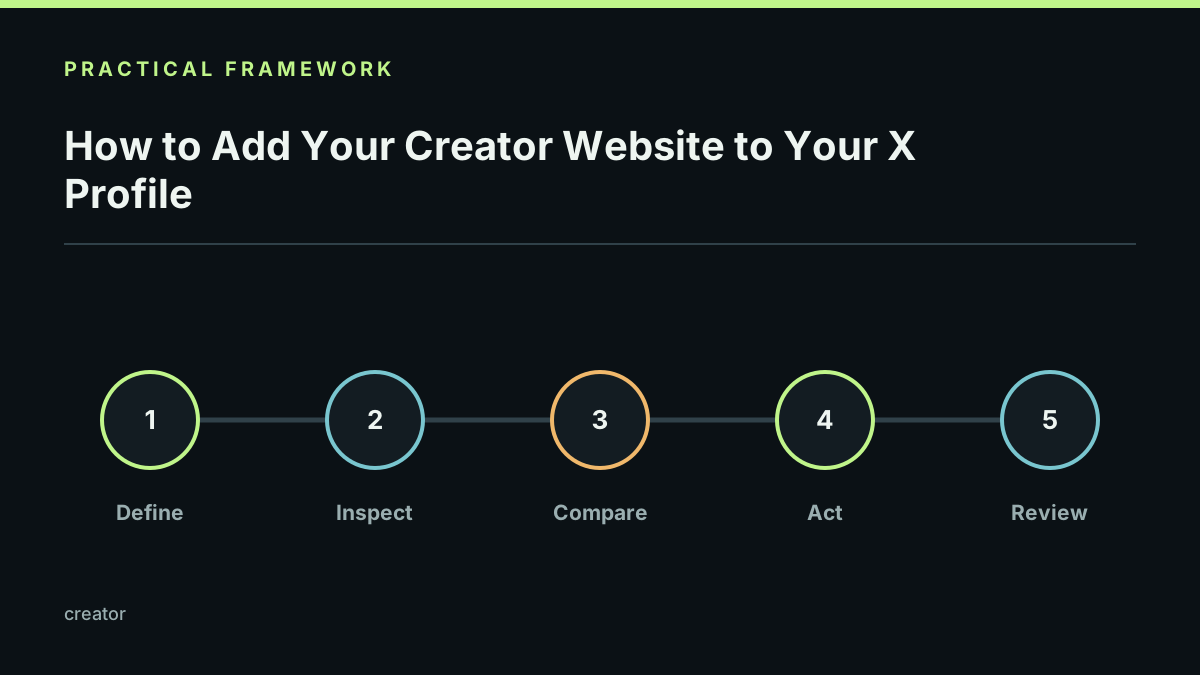
Use the public URL from your published page, open it in a signed-out window, and confirm that the first screen makes sense without context. Update the profile website field, save, and check the live profile from another browser or device.
If you want a short front door and a deeper site, use the link page as the profile address and put the full website near the top of the page. Link by StonkBuilder supports that progression through creator pages.
Keep the destination stable while campaigns change. Use descriptive link labels, avoid a page full of identical calls to action, and check redirects after a domain or slug change. A public profile should help a visitor understand the creator and choose a next step; it should never ask for a seed phrase, private key, or wallet signature just to read the page.
Start with what a link in bio is if you are still choosing the right format.
Last reviewed 2026-09-21. Confirm current X profile labels before writing account-specific support instructions.