Whether you can buy Bitcoin on Jupiter depends on the exact product, asset, route, and network available at the time. A Jupiter quote for a BTC-labelled Solana token does not automatically mean native BTC will arrive on the Bitcoin network. Verify the output mint and withdrawal path before signing.
Start with the question
Ask whether you need native BTC, a Solana token representation, a derivative, or only price exposure. Those are different assets with different custody, fees, and redemption assumptions. Use the Bitcoin hub to define the target first.
Inspect the quote
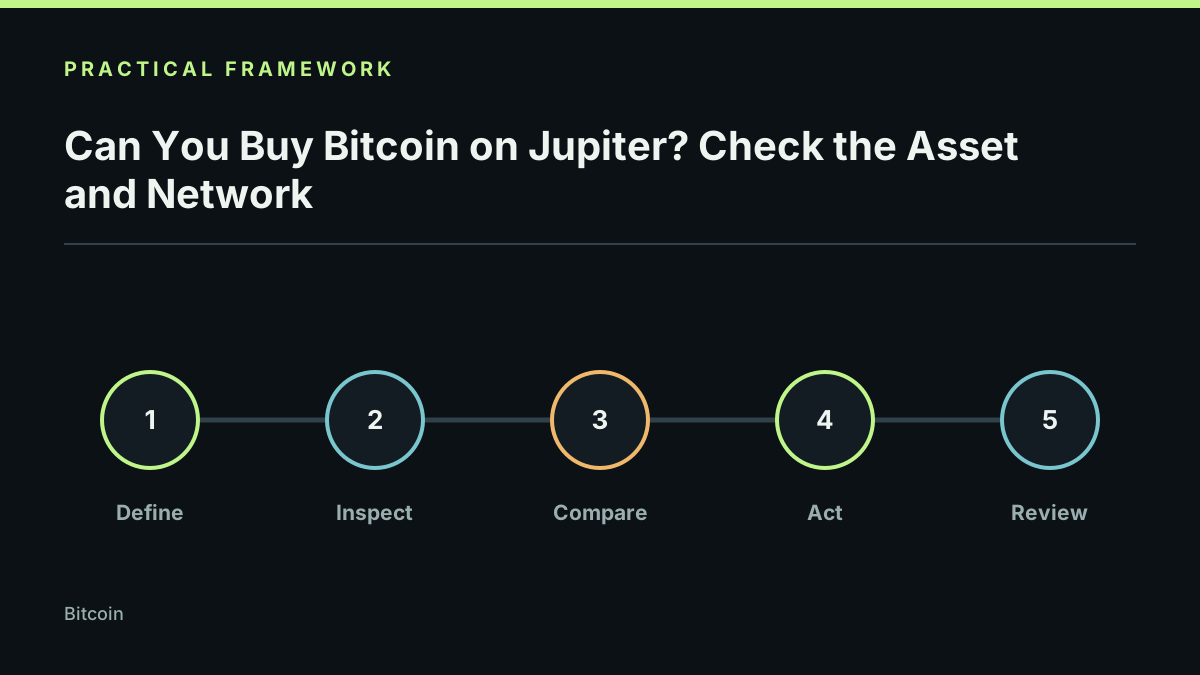
On Jupiter, record input mint, output mint, route, price impact, fees, minimum received, and wallet network. Search by exact mint from a primary source. If the interface does not make the output identity and network clear, do not sign.
Check the delivery path
Confirm whether the product supports withdrawal to a native Bitcoin address or only transfer within Solana. A token can trade on Solana and still be unsupported by a Bitcoin wallet or exchange. Read Bitcoin on Solana for the custody distinction.
Compare the risk
Native BTC adds Bitcoin confirmations and address-format risk. A token representation adds issuer, bridge, freeze, and redemption risk. A derivative adds market and contract risk. State which risk you are accepting rather than using “Bitcoin” as a shortcut.
Verify after execution
Save the transaction signature, confirm the exact output mint, and check the receiving account on the correct explorer. A successful swap proves execution of that token route; it does not prove native BTC delivery or future redeemability.
Limits and responsible use
Supported assets, routes, and withdrawal features change. This is a research checklist, not a live availability claim or purchase recommendation. Last reviewed 2026-09-21.