You can inspect a public Solana address without connecting your own wallet. The safe workflow is read-only: copy the public address, confirm the network and data source, and interpret balances and transfers as observations rather than proof of identity or intent. Start with the crypto hub.
Public address versus private key
A public address can be searched on a compatible explorer or analytics tool. A private key and recovery phrase authorize spending and must never be requested for research. If a site asks for one to show a portfolio, stop.
What to inspect
Record SOL and token balances, exact mints, token programs, transaction signatures, slots or timestamps, failed transactions, and associated accounts. Distinguish a current balance from historical receipts. Token names and logos are labels, not proof of authenticity.
Use a bounded report
StonkScope can organize supported public observations, but every report has a provider, time range, and coverage limit. Follow what on-chain analytics means and why data can be incomplete before making a claim about a wallet.
A repeatable method
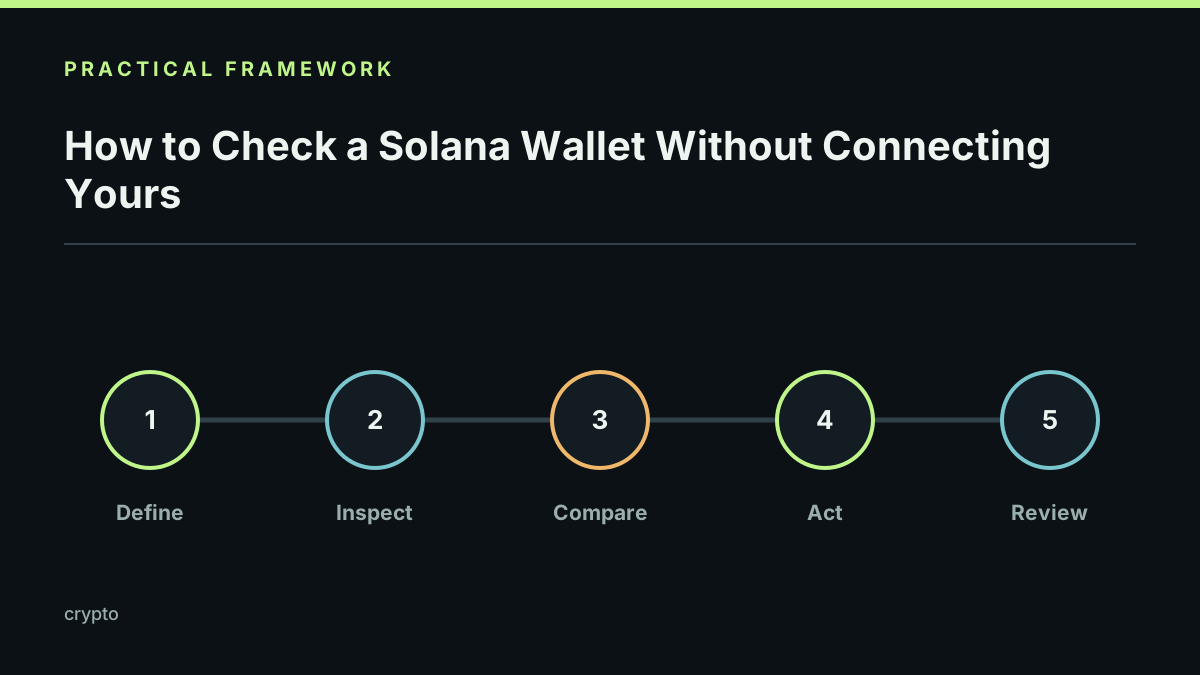
Define the question, save the address and time window, compare a sample with an explorer or RPC response, record missing pages, and separate direct transfers from inferred labels. Never publish a person's identity from an address without lawful, reliable evidence.
Before sharing results
Redact private notes, avoid doxxing, link the exact source and timestamp, and explain that a wallet can be shared, controlled by a custodian, or used by many people. A balance is not a financial statement or a forecast.
Limits and responsible use
Public data does not reveal a private key, prove who controls an address, or guarantee complete history. Provider outages, closed accounts, spam, and program-specific behavior can affect coverage. Last reviewed 2026-09-21.