 Stonk
A good bio does three jobs quickly: it says who you are, names the kind of work you make, and gives a new visitor a reason to continue. It does not need to explain your entire history.
Start with a plain sentence
Write “I make…” or “I help…” before reaching for a clever phrase. “I make short documentaries about city gardens” tells a visitor more than “storyteller and dreamer.” Specific language helps people decide whether the page is for them.
Try this structure: I [make/help with] [specific subject] for [audience or purpose]. [Current next step]. Keep it factual and remove any claim you cannot support.
Example bios
- Illustrator: “I draw small field guides to urban plants. See the latest print in the shop.”
- Music teacher: “I teach beginner piano through short practice lessons. Start with the free warm-up.”
- Research writer: “I publish notes on public data and open methods. Read the latest report and its sources.”
These are fictional examples to show the structure, not customer stories or performance claims.
Add the current invitation
End with the thing you want people to do now: read the new issue, watch the latest film, join the community, or book a session. The first link on the page should match that invitation.
Edit for the phone screen
Read the bio at a glance. Remove repeated adjectives, long credentials, and links disguised as prose. Keep the voice human, but let the page do the detailed explaining. The creator templates are useful for seeing how a short bio sits beside the links around it.
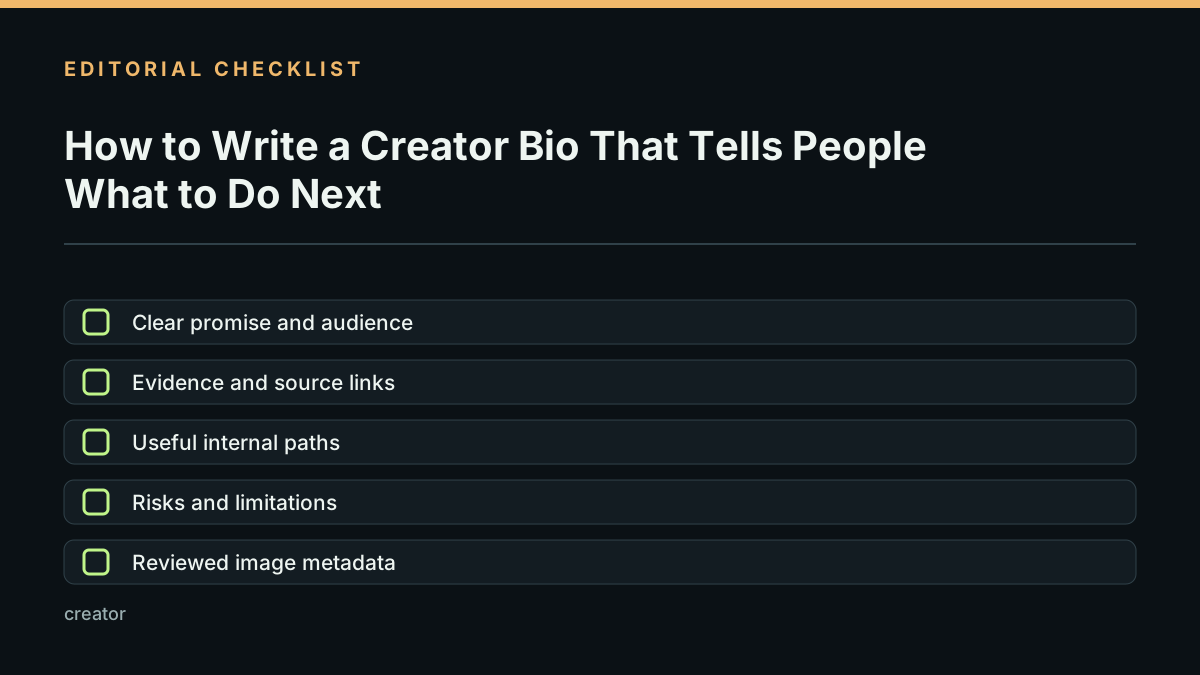
Before publishing, check that the bio answers three things: who the page is for, what the creator makes or does, and what a visitor can do next. Make the first link match that invitation, and check how the sentence wraps on a phone.
Then use the creator page launch checklist to review the finished page.
Last reviewed 2026-10-22.