A community leaderboard is a summary of recorded activity under a particular set of rules. It can help you find contributors and open the source details, but a rank by itself does not explain the work, prove a person's value, or promise a reward.
The StonkBuilder Community dashboard shows the current Mindshare view. Use the getting-started guide if you are new to its other features.
1. Check what community and snapshot you are viewing
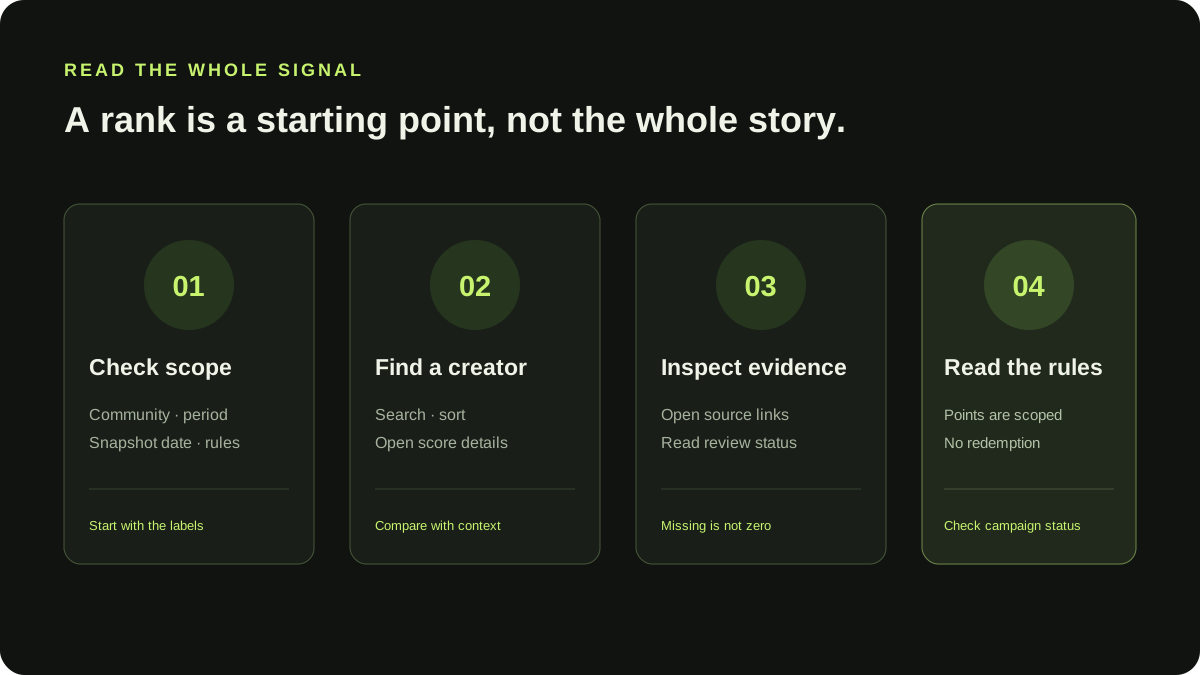
Before comparing names, check the page title, selected time window, and snapshot date. A ranking is meaningful only within its community and the records available to that view. An empty leaderboard means there are no eligible accounts in the current snapshot; it should not be filled with illustrative people or inferred activity.
On StonkBuilder Community, the public Mindshare page shows a live server snapshot. At present the public account supports the season snapshot; shorter time windows may be unavailable. The interface disables unsupported windows rather than estimating them. The “as of” label helps you judge how current the view is.
2. Search and sort to find a contributor
Use the creator search to locate a handle, then use the sort menu to compare the available fields. Sorting by points or posts is a navigation aid, not a complete evaluation of quality. Open a creator's detail view to see the displayed score, post count, share, and scope for the selected snapshot.
If the detail view does not provide a source for a figure, treat that figure as a summary, not independently verified proof. Follow source links where provided. For official StonkBuilder posts, the community feed labels dated snapshots and links to the original post so you can check its context.
3. Separate points from payment
Points describe activity under a community's rules. They are not a token balance, dollar value, or promise of compensation. StonkBuilder Community points are scoped to their community and are non-redeemable. Payments and redemption are disabled. X-action rewards are blocked by the current policy gate.
The campaign view has its own status and rules. A draft or gated campaign is not open for participation. Check the current badge and read the brief before taking an action. Do not infer eligibility from a leaderboard position.
4. Read the boundaries, not just the headline number
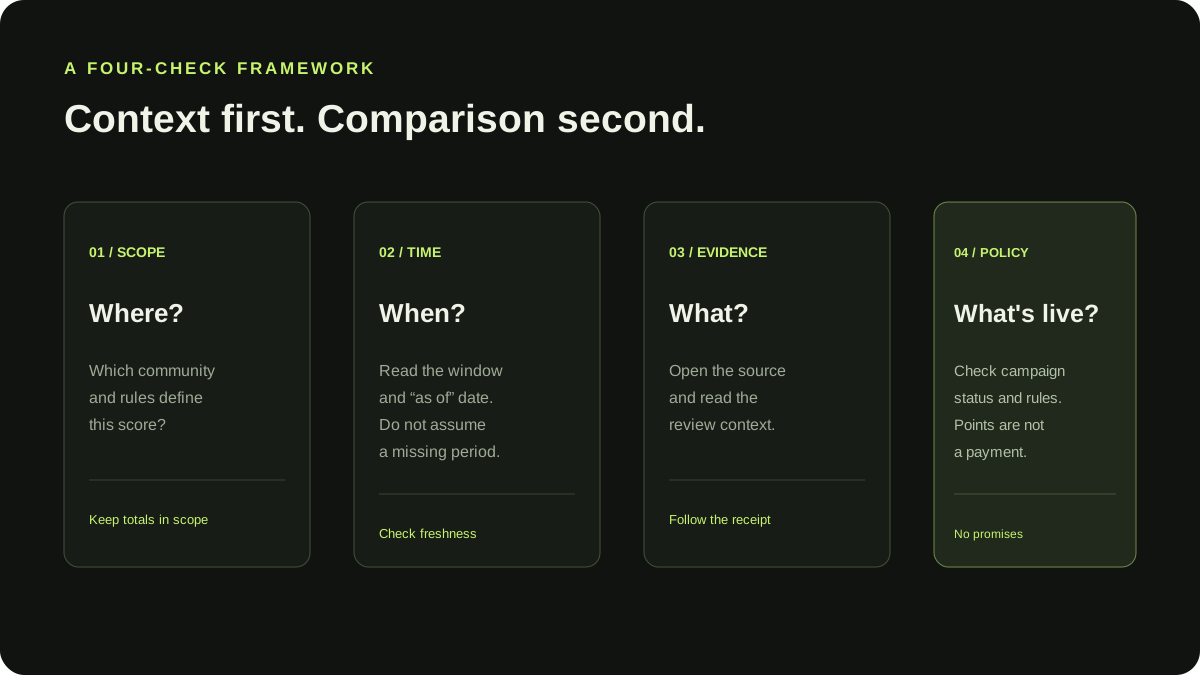
Leaderboards compress many records into a small view. They do not show every contribution, every review decision, or every limitation at once. Look for these boundaries:
- Scope: Which community and rules produced the points?
- Time: What period does the current snapshot cover, and when was it refreshed?
- Evidence: Can you open the contribution or official source behind the entry?
- Review: Was the contribution reviewed, and is there an explanation for its status?
- Policy: Are campaign participation, payments, and redemptions actually enabled?
Missing data should remain visible as missing. A zero, an empty leaderboard, or an unavailable period is different from evidence that nobody contributed or that an account was ineligible.
A quick checklist
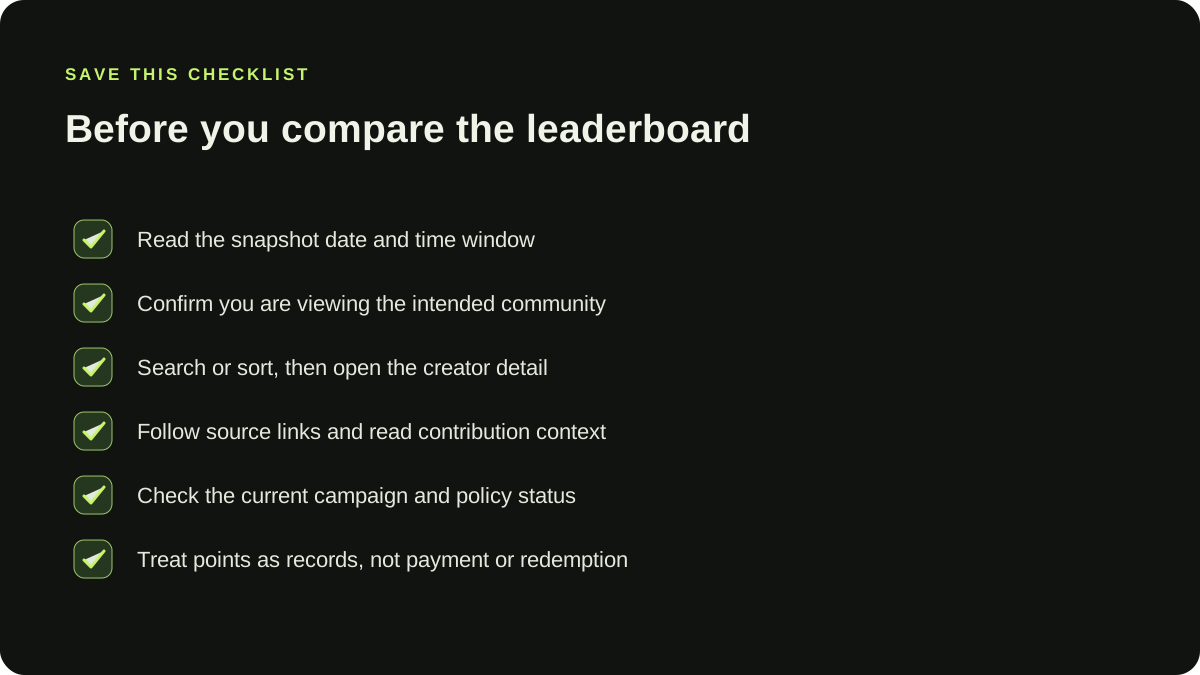
- Read the snapshot date and time-window label.
- Confirm you are viewing the community you intended.
- Search or sort to find a creator, then open the detail view.
- Follow source links and read contribution context.
- Check the current campaign policy before participating.
- Treat points as non-redeemable community records, not payment.
For community owners, the online community homepage guide explains how to make scope, rules, and next steps visible. For new members, see the community onboarding guide.
Last reviewed 2026-09-23.