 Stonk
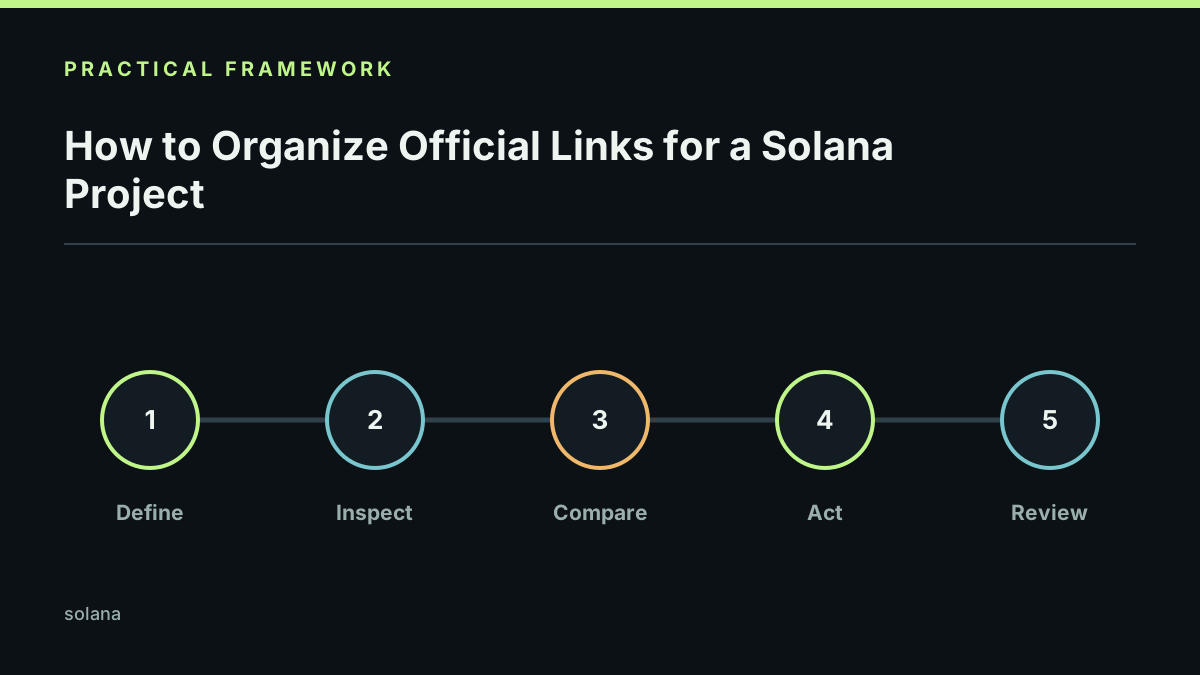
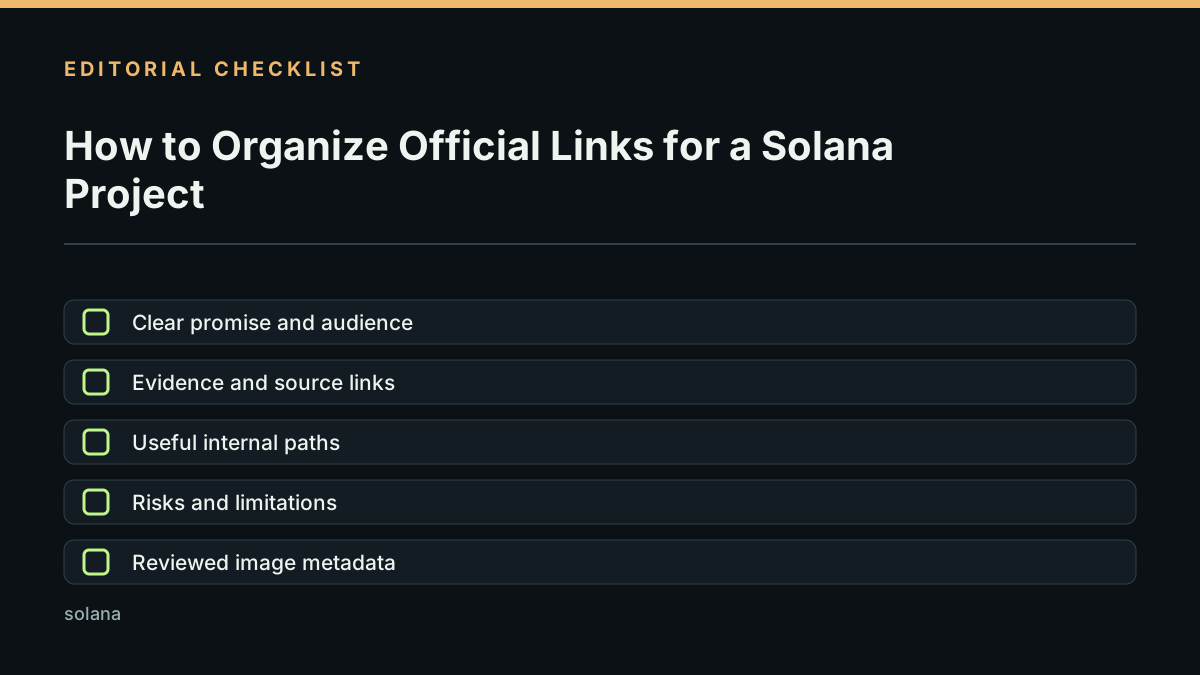
An official project page should reduce uncertainty. Put the documentation, main site, verified social channels, community access, and current update in a visible order. Label each destination so visitors know what they are opening.
Conceptual illustration; it does not show a verified project or a live product screen.
Build a small, verifiable link directory
Start with a domain the project controls. Link to the project overview, technical documentation, exact token mint, explorer, current roadmap, support route, and active community. Add social channels only when the project can establish that they are official. Date high-impact updates and remove launch, claim, or campaign links after they expire.
Test the directory from a clean browser. Check spelling, redirects, certificates, the final destination domain, and the network named beside every token address. When a site links to an explorer or another provider, keep the project source nearby so the reader can compare them. A link that loads successfully can still lead to an unofficial or outdated page.
Keep technical claims close to their sources. A link page is not an audit, endorsement, or promise about a token. It is an index of destinations the project maintains. Explain which accounts are official, date important updates, and remove old launch links when they stop being current.
The Solana project link-page template is a starting point for organizing these destinations. The template does not verify or endorse the links entered by a project.
To check verified mint addresses and official explorer links for popular tokens, browse the Solana token directory.
Use the exact account, program, token mint, and network identifiers wherever a link depends on them. Prefer official domains and explorers, but do not treat an official-looking page as proof of safety. Ask a second reviewer to open the links from a clean browser and confirm that every important destination still points to the intended project.
For a broader project review workflow, read how to research a crypto project.
For a token-specific website review, use the crypto project website checklist. Solana's token documentation explains mint accounts and token identifiers; use the exact address rather than relying on a ticker or logo.
Last reviewed 2026-10-21.